
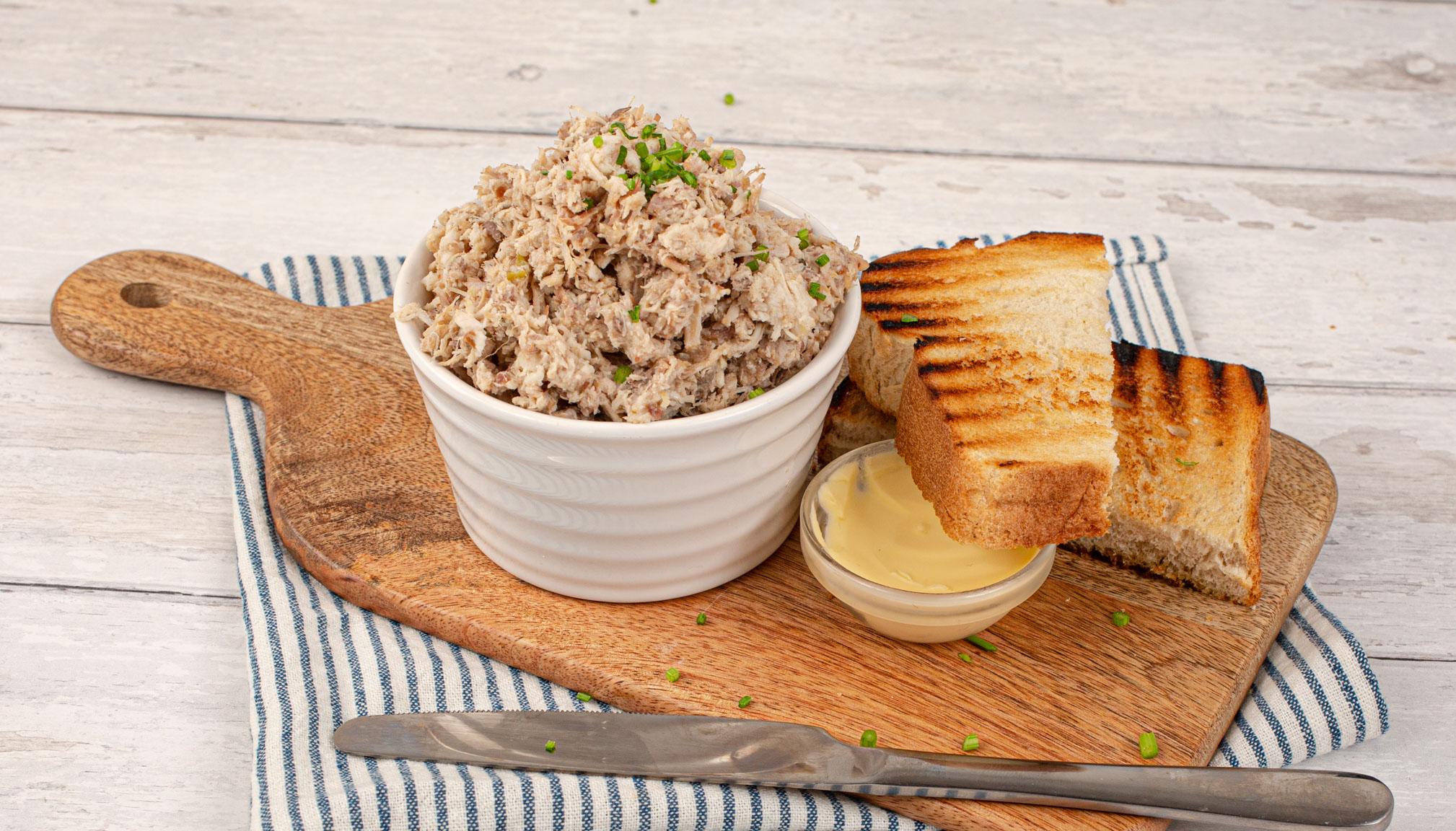
Rabbit Rillettes
For the full experience, make this recipe with the Kenwood Recipes app.



recipe by Kenwood https://kenwoodworld.com/
-

- Total Time
- 3hrs 55mins
-

- Serves
- 5
-

- Calories
- 534

This French-inspired recipe is perfect for lunch and makes a great dinner party starter, simply spread generously over toasted sourdough, and serve alongside a well-dressed salad and chunky homemade chutney.
recipe updated Apr 12, 2025
Ingredients
-
- Garlic clove
- 4
-
- Fresh rosemary
- 1 teaspoon
-
- Fresh thyme
- 1 teaspoon
-
- Fresh chives
- 30 g
-
- Rabbit
- 500 g
-
- Pork belly
- 500 g
-
- Cider
- 1 kg
-
- Bay leaves
- 2
-
- Fine sea salt
- 1 teaspoon
-
- Black pepper
- 1 teaspoon





Tools
-
Cooking Chef XL
-
Bowl - large
-
Jug
-
Food processor attachment
-
Step preview
- Add the ingredients into the appliance bowl
- Heat - 2 minutes, 120ºC, speed off
- Add the meat and fit the splashguard
- Cook – 1 hour 30 minutes, 98ºC, speed off
- Drain the meat, reserving 150 ml of poaching liquid in a jug
- Let cool – 10 minutes
- Fit the Knife Blade to the Food Processor attachment
- Working in four batches, add the meat and splash of the poaching liquid to the attachment
- Pulse until roughly chopped – 30 seconds
- Transfer the chopped meat into a large bowl and repeat the process until all the meat has been processed
- Add the following ingredients and mix to combine with the meat
- Transfer the mixture to serving bowls
- Refrigerate - 2 hours
- Serve